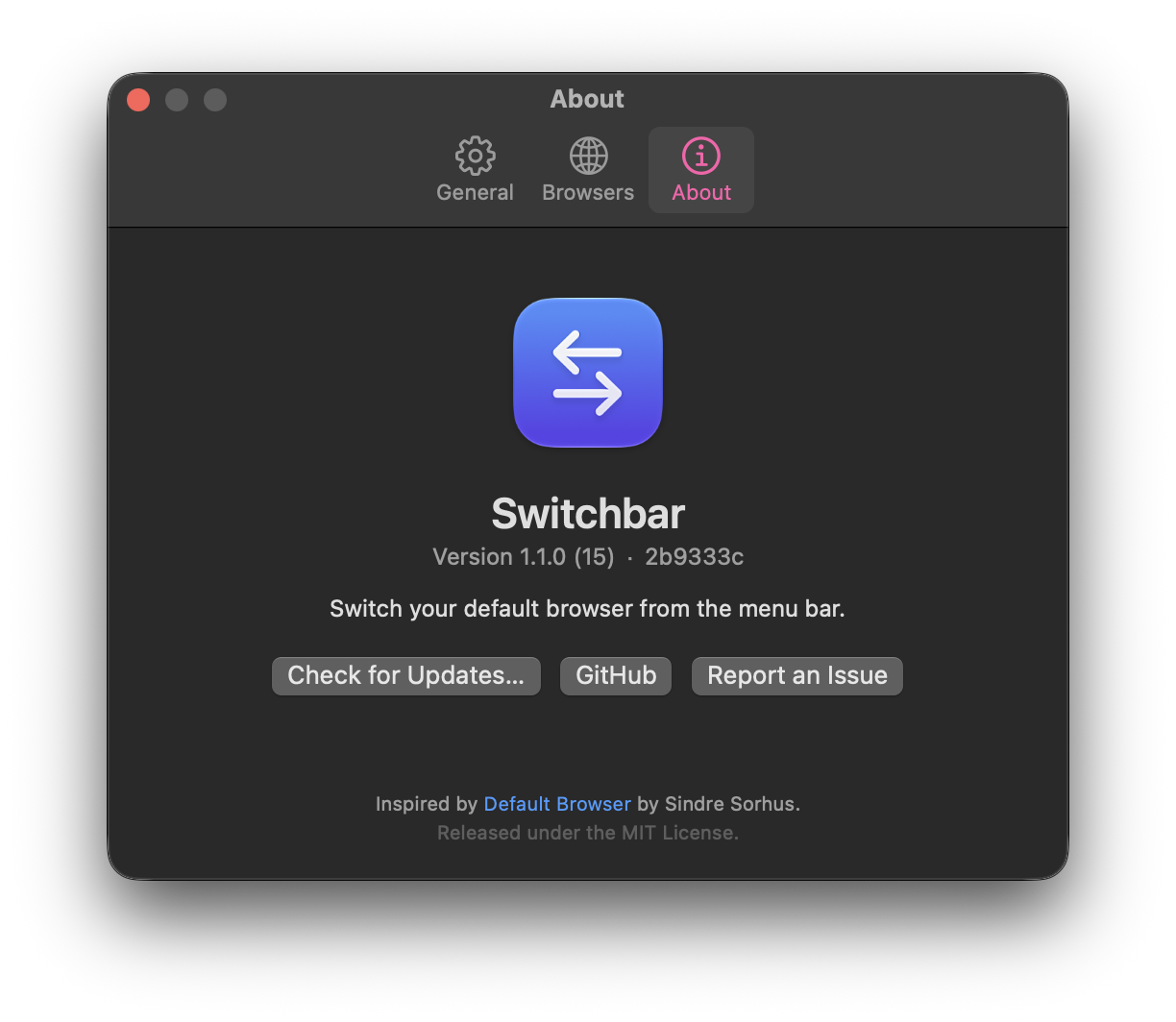
Switchbar does one thing: it changes your default browser quickly, from wherever you are.
Keyboard first
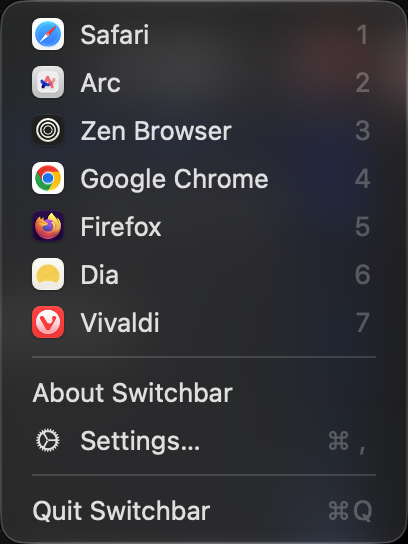
Press ⌥ ⇧ B (or your own shortcut), then a number key. Two keystrokes and you've switched.
Finds every browser
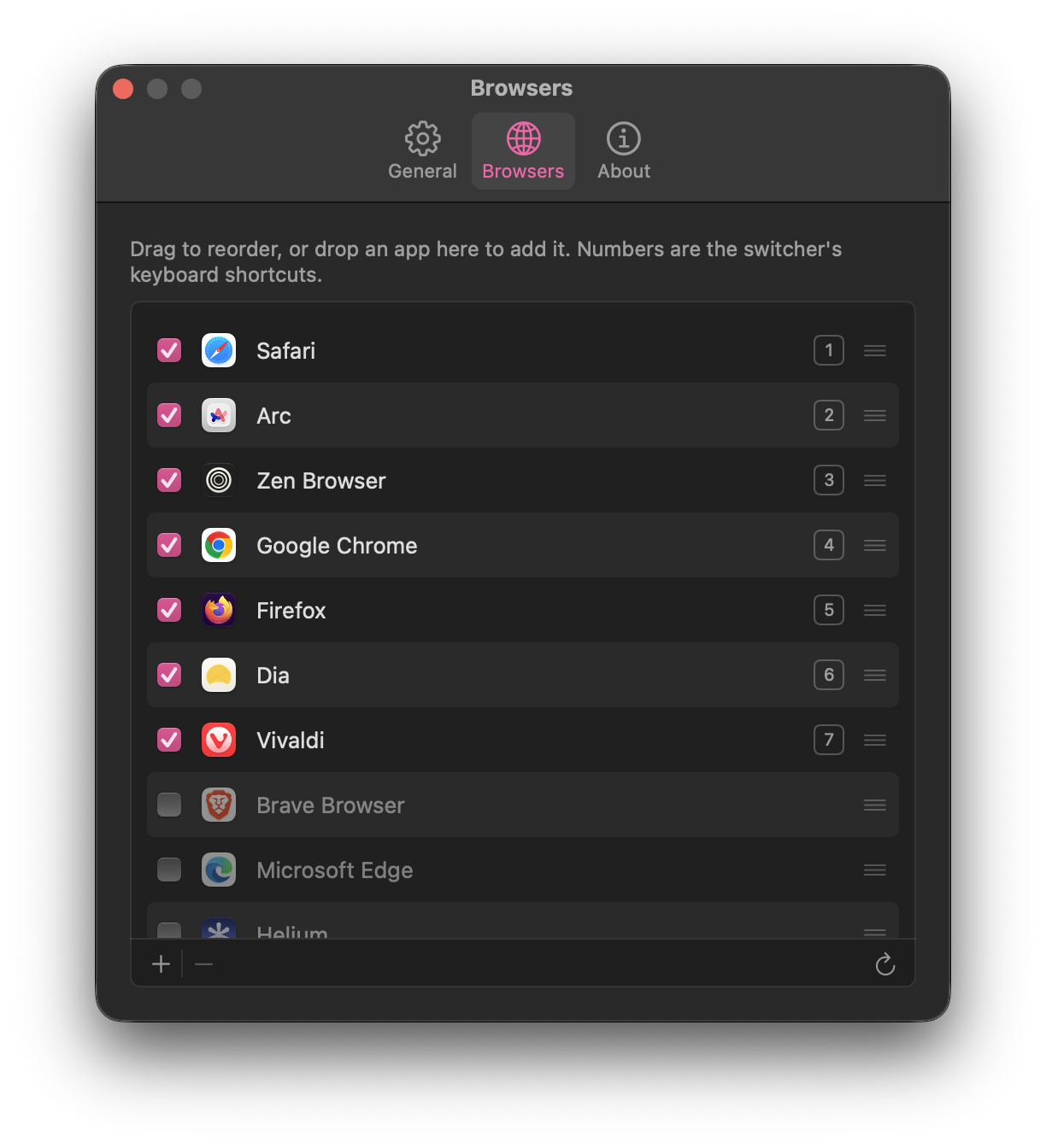
Safari, Chrome, Firefox, Arc, Dia, Zen, Vivaldi, Orion web apps and more are detected automatically. Stale copies and cached test builds are skipped.
Always in sync
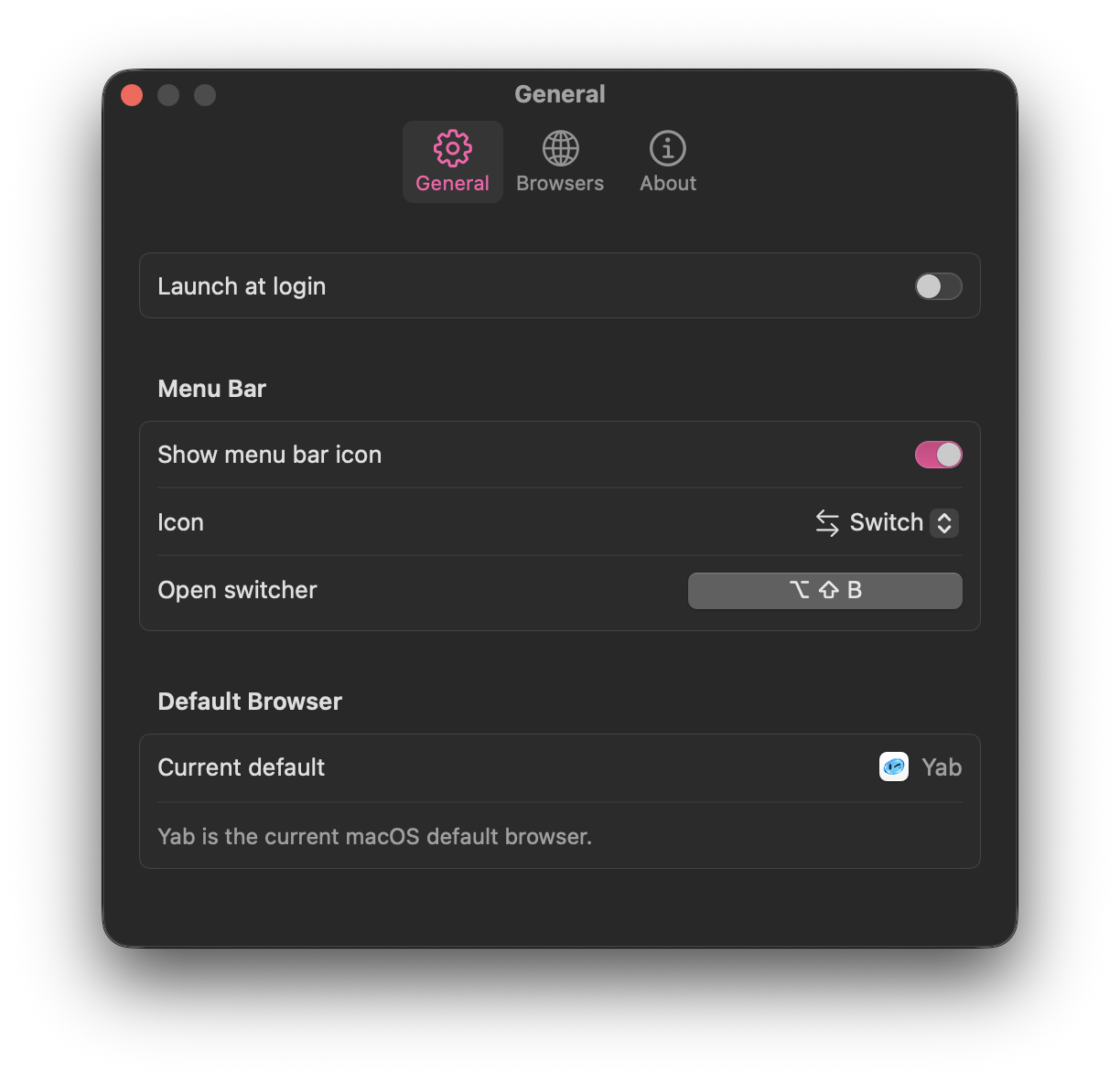
Changed the default in System Settings, or clicked "Make default" in a browser? Switchbar notices the next time you open it.
Your order, your list
Drag to reorder, hide browsers you never switch to, or drop any app from Finder onto the list to add it.
Stays out of the way
No Dock icon and no windows. You can even hide the menu bar icon and use only the shortcut.
Native and notarized
A tiny universal Swift app, signed and notarized by Apple. No tracking and no network access, just one settings file on your Mac.